How to Review Your Video
Watch this short video to learn how to review your project, leave timecoded comments, compare versions, and share feedback using Dropbox Replay.
This quick tutorial covers leaving comments, comparing versions, and downloading files to help us collaborate efficiently throughout your video project.
Reviewing Your Video Project
I use Dropbox Replay to make the client video editing review process simple and efficient for every project. This video walks you through the tools you will use to share your feedback. You will learn how to leave timecoded comments, draw directly on frames, and update or delete your notes. The video also shows how to view the full transcript, copy or download it, and keep track of everything in one place.
Replay makes it easy to compare versions of your project. You can view two edits side by side in real time and see exactly what has changed. This video version comparison tool feature helps us make decisions quickly and stay aligned as we move toward your final version.
You will also see how the download option works. I usually keep downloading disabled during early editing. Feel free to reach out if you ever need access sooner.
These tools help us work together smoothly and support a focused, stress free review process. If you have any questions while using Dropbox Replay or this video workflow, I am always here to help with a phone call or email. You may also visit the Client Questions page (FAQ).
Still have questions? Visit the Client Questions (FAQ) page for answers about photography, video, file delivery, scheduling, and more.
The Dropbox Replay FAQs below provide additional guidance for reviewing your photography collection.
Frequently Asked Questions
-
Pause the video at the exact moment you want to comment. A comment box will appear, allowing you to type your feedback. You can also draw directly on the frame to highlight specific details.
-
Yes. All comments appear in the panel on the right. Select a comment to edit the text, or use the actions menu to delete it if it is no longer needed.
-
Select two versions in the Versions panel and choose Compare Versions. You can watch both edits side by side in real time to clearly see what has changed.
-
Downloads may be disabled during the editing phase to keep versions organized and avoid confusion. If you need a file sooner, contact me and I can adjust permissions.
-
Yes. Open the transcript panel, click the three-dot menu, and choose to copy the transcript or download it as a text or SRT file.
-
Yes. Dropbox Replay works on most modern devices. For the best experience, especially when reviewing fine details, I recommend using a desktop or laptop whenever possible.
-
Yes. Once your final edits have been approved, I’ll provide your completed video in the agreed-upon formats, ready for download and use.
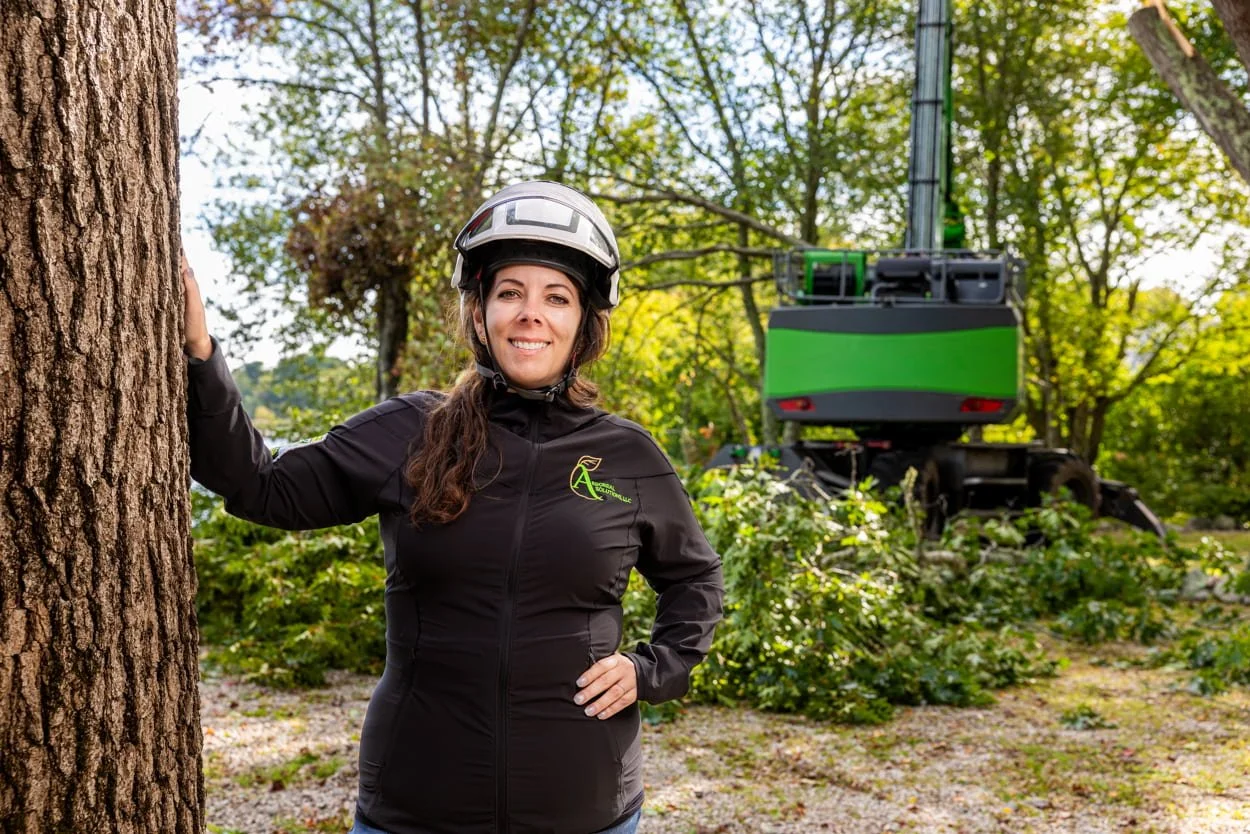
Effective storytelling supported by clear,
efficient production
You’ll get photography and video created through a clear, well-managed process, so your team can stay focused and confident at every stage.